
(Complete Advanced Guide for Beginners, Businesses & Global Brands)
Building an online store is no longer limited to developers or large companies. With Shopify, anyone—from a beginner to a global brand—can create a fast, secure, and scalable eCommerce website.
However, many people ask a common question:
“What exactly do I need to build a Shopify website?”
This guide answers that question in depth, covering technical, business, SEO, legal, performance, monetization, and AI-search requirements.
Who Is This Guide For? (Intent Clarity)
This blog is written for:
-
Beginners planning their first Shopify website
-
Small business owners moving from offline to online
-
Bloggers & affiliate marketers
-
Dropshippers & D2C brands
-
Developers & SEO professionals
-
Anyone targeting Google + AI search engines
1. Business Foundation: The First Requirement

Before opening Shopify, you must define your business intent.
You should clearly know:
-
What you are selling (product/service/digital goods)
-
Who your ideal customer is
-
Whether you are selling locally or globally
-
Your profit margin and pricing strategy
Why this matters (E-E-A-T):
Search engines and AI models favor websites with clear business intent and topical authority.
2. Shopify Account & Platform Setup
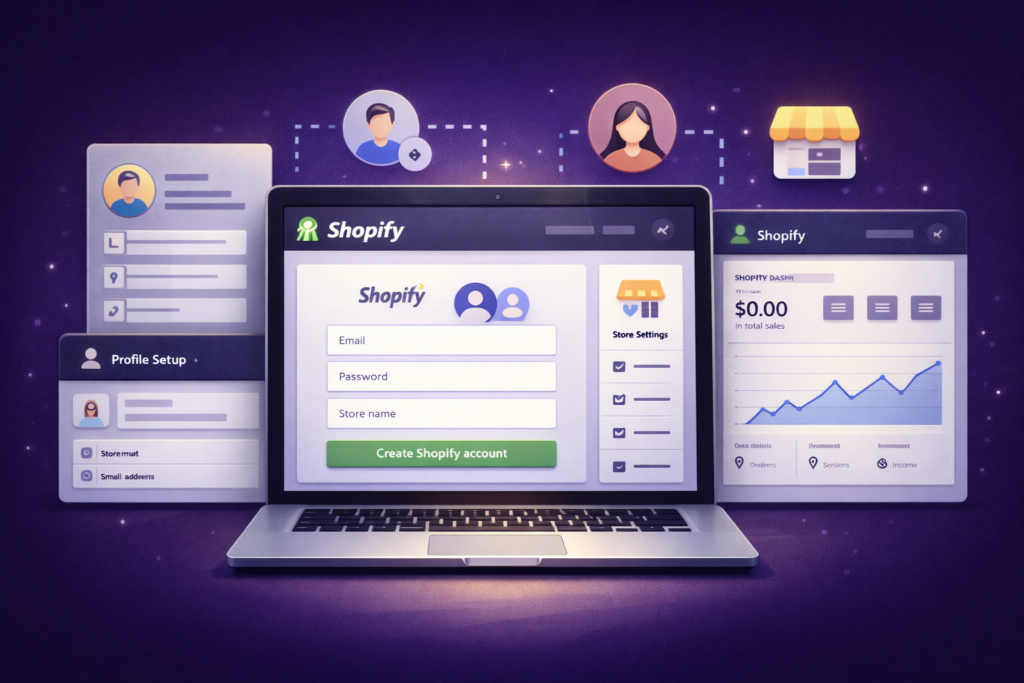
To create a Shopify website, you need:
-
A valid email address
-
A Shopify account (free trial available)
What Shopify provides automatically:
-
Secure cloud hosting
-
SSL certificate
-
Store admin panel
-
Checkout system
-
Inventory management
-
Automatic updates
👉 No external hosting, cPanel, or server knowledge required
3. Choosing the Right Shopify Plan (Scalability Friendly)
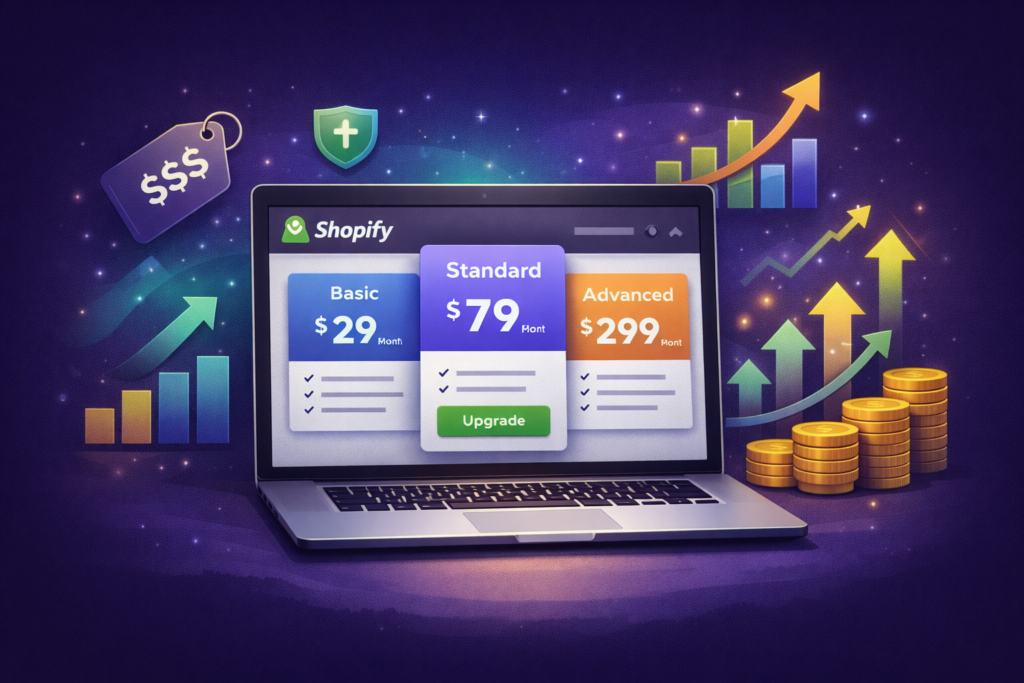
Shopify offers plans based on business growth:
| Plan Type | Best For |
|---|---|
| Basic | Beginners & startups |
| Shopify | Growing stores |
| Advanced | High-volume businesses |
All plans include:
-
Unlimited products
-
Secure payments
-
Mobile-friendly checkout
-
Global selling tools
4. Domain Name & Brand Identity (Brand-Safe)
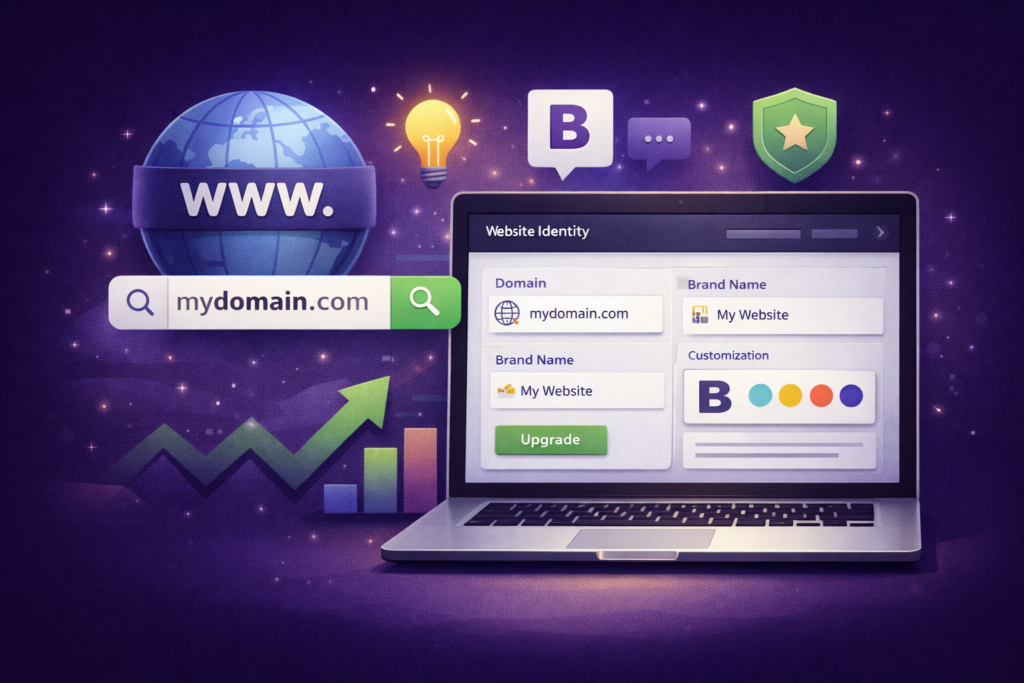
Your domain is your digital identity.
Best practices:
-
Short & memorable
-
Brand-focused
-
Avoid numbers & hyphens
-
Prefer
.comif possible
Example:
A strong domain improves:
-
Brand trust
-
Click-through rate
-
AI brand recognition
-
Long-term SEO value
5. Shopify Theme Selection (UX + Performance Friendly)
Themes define your store’s user experience.

A good Shopify theme must be:
-
Mobile-first
-
Fast loading
-
SEO-structured
-
Conversion-optimized
-
Accessible (readability friendly)
Shopify themes support:
-
Homepage sections
-
Product & collection layouts
-
Navigation menus
-
Blog & content pages
💡 Performance tip:
Avoid heavy animations and unnecessary scripts.
6. Product Content Creation (SEO + Conversion Core)
Product content is the heart of your Shopify website.
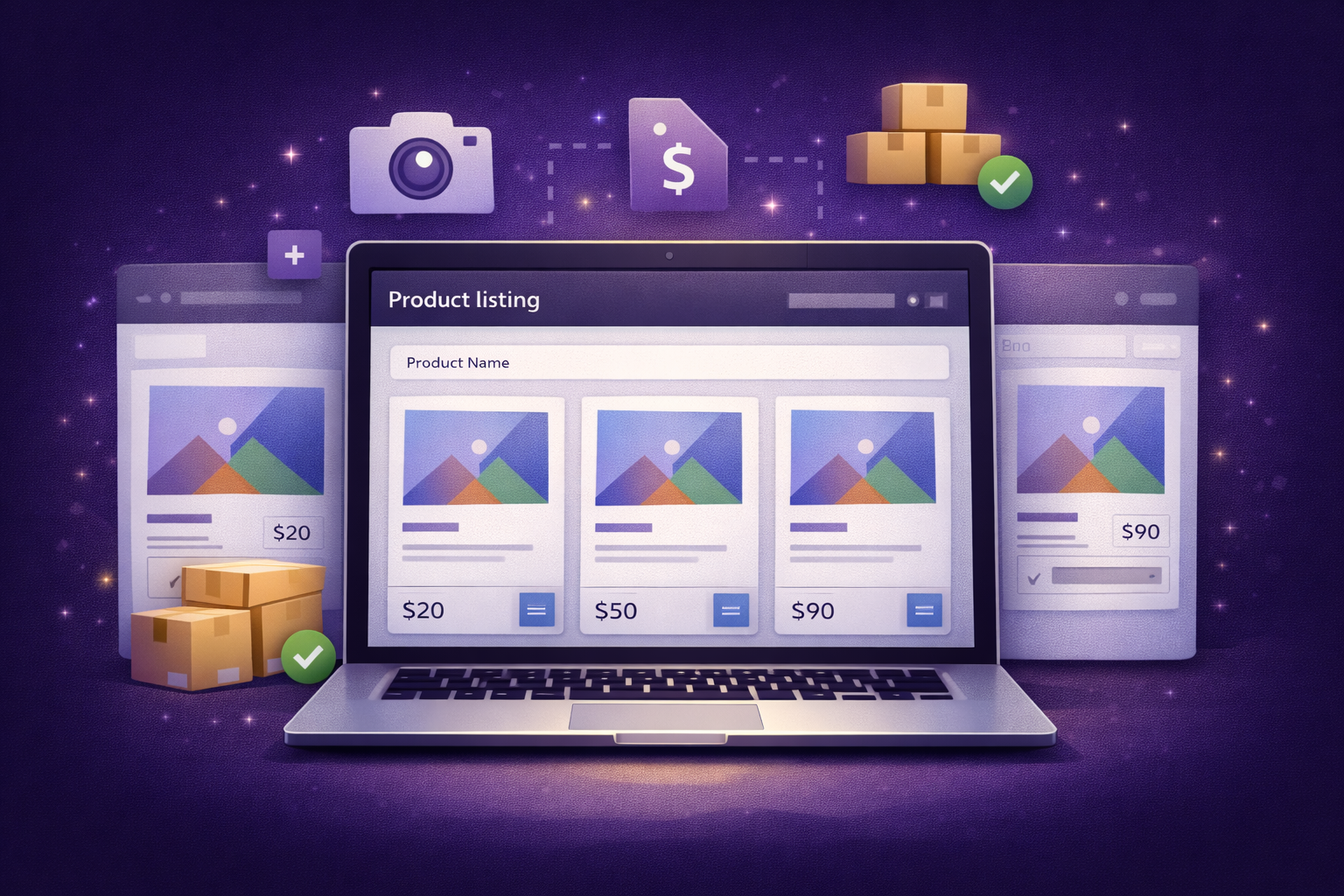
You need:
-
Clear product titles
-
Long, helpful descriptions
-
Bullet points for readability
-
FAQs on product pages
-
Internal links to collections
Image requirements:
-
High resolution
-
Optimized file size
-
Alt text for SEO & accessibility
Why this matters for AI search:
AI engines analyze context, clarity, and usefulness, not just keywords.
7. Payment Gateway Configuration (Trust & Compliance)
A Shopify website must support secure payments.
Common payment options:
-
Credit / Debit Cards
-
UPI & Net Banking (India)
-
PayPal
-
Wallets
-
Cash on Delivery
You’ll need:
-
Bank account
-
Identity verification (KYC)
Secure payments increase:
-
Trust signals
-
Conversion rates
-
Policy compliance
8. Shipping, Taxes & Fulfillment (Global Ready)
Shipping setup depends on your target market.
You must configure:
-
Shipping zones
-
Rates (free, flat, dynamic)
-
Delivery timelines
-
Tax rules (GST/VAT)
For global selling, Shopify supports:
-
Multi-currency
-
Multi-language
-
Country-specific pricing
9. Essential Shopify Apps (Performance-Balanced)
Apps extend store functionality but must be used carefully.
Useful app categories:
-
SEO optimization
-
Speed optimization
-
Reviews & trust badges
-
Email & WhatsApp marketing
-
Analytics & tracking
⚠️ Important:
Too many apps = slow website + SEO loss.
10. Legal Pages & Policy Compliance (AdSense-Safe)
Every Shopify website must include:
-
Privacy Policy
-
Terms & Conditions
-
Refund / Return Policy
-
Shipping Policy
-
Contact Information
These pages:
-
Protect your business legally
-
Improve Google trust
-
Are mandatory for ads & payments
Shopify provides policy templates, but customization is recommended.
11. Advanced SEO Setup for Shopify
Shopify is SEO-friendly by default, but optimization is essential.
SEO checklist:
-
Clean URLs
-
Optimized meta titles & descriptions
-
Header hierarchy (H1–H6)
-
Image alt text
-
Internal linking
-
Canonical URLs
-
Blog content for topical authority
Advanced SEO = long-term organic traffic
12. AEO: Answer Engine & Voice Search Optimization
Modern search is no longer just Google.
To optimize for AI & voice search:
-
Write clear questions & answers
-
Use natural language
-
Add FAQ sections
-
Provide concise explanations
-
Avoid keyword stuffing
Example:
Q: What is required to build a Shopify website?
A: You need a Shopify account, domain, products, payment gateway, shipping setup, and SEO-optimized content.
13. GEO-Friendly: Global + AI Distribution
Shopify supports:
-
Global storefronts
-
Currency localization
-
Region-specific SEO
-
International shipping
This makes your website:
-
Discoverable by global users
-
Indexable by AI systems
-
Ready for international expansion
14. Monetization-Friendly Structure
Your Shopify website can earn beyond product sales:
-
Google AdSense (blog pages)
-
Affiliate marketing
-
Email list monetization
-
Brand collaborations
-
Sponsored content
Clean design + quality content = higher RPM.
15. Performance Optimization (Core Web Vitals)
Performance affects:
-
SEO ranking
-
User retention
-
Conversion rate
Key focus areas:
-
Fast theme
-
Image compression
-
Minimal apps
-
Lazy loading
-
Clean code
Shopify handles hosting, but optimization is still required.
16. Security & Trust Signals
Shopify websites include:
-
SSL encryption
-
Secure checkout
-
Fraud protection
-
Automatic updates
You should also add:
-
Trust badges
-
Real contact details
-
Clear policies
-
Customer reviews
17. Testing Before Launch (Quality Control)
Always test:
-
Checkout flow
-
Payment success
-
Mobile responsiveness
-
Page speed
-
Navigation
-
Email notifications
Testing prevents:
-
Lost sales
-
User frustration
-
Reputation damage
18. Content Scalability & Future Growth
A Shopify website should grow with time.
You can scale by:
-
Adding blogs
-
Creating guides & FAQs
-
Launching new collections
-
Expanding to new countries
-
Improving SEO depth
This makes your website future-proof.
19. E-E-A-T: Why It Matters for Shopify Websites
Search engines and AI models prefer:
-
Real business information
-
Helpful content
-
Transparent policies
-
Consistent updates
-
Authoritative knowledge
Your Shopify site is not just a store—it’s a brand asset.